Chat
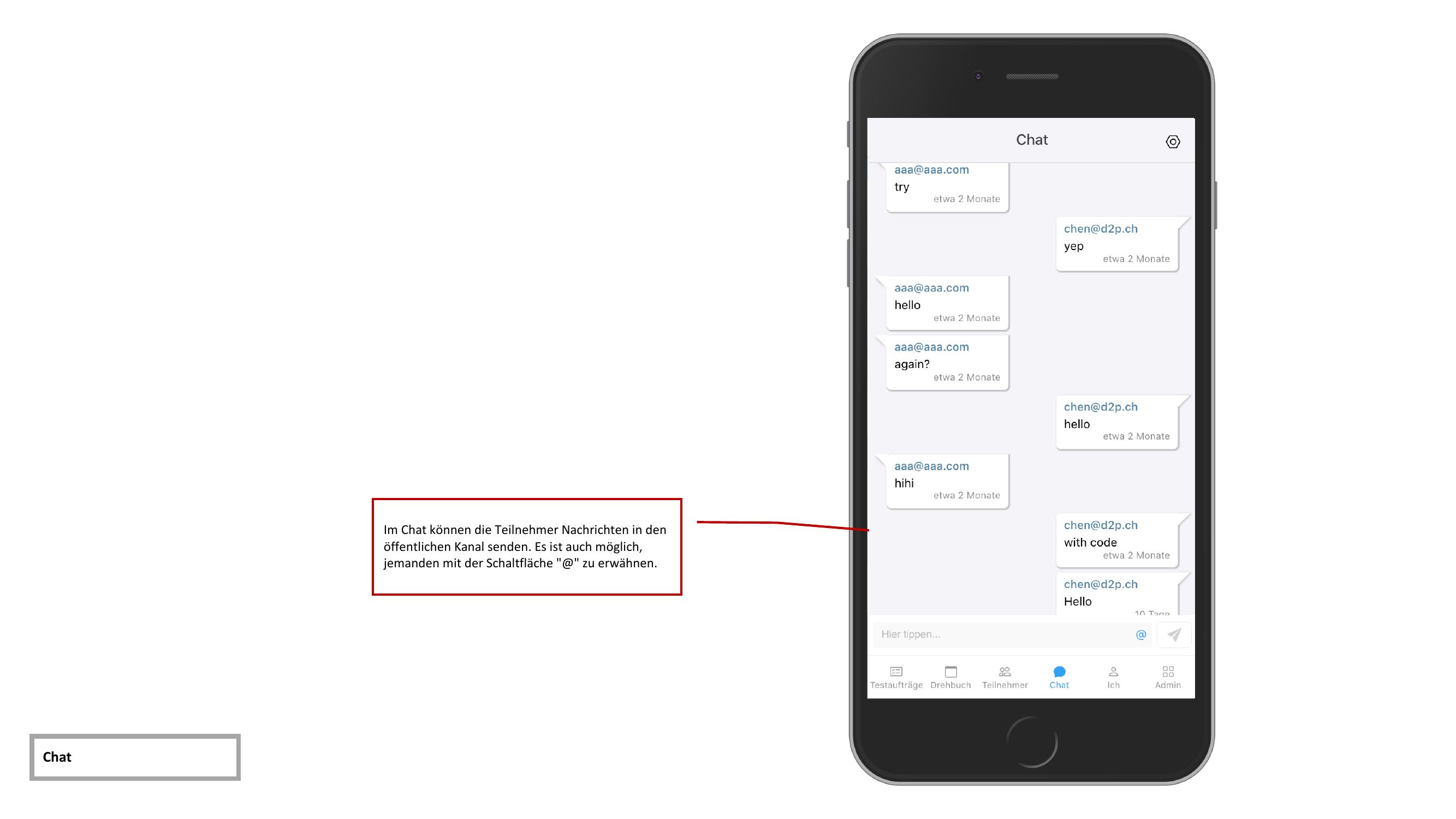
The app includes a public chat channel through which all test participants can communicate with each other during the test execution.
Sending Messages
Enter your message in the text field at the bottom of the screen and tap the send button. The message is immediately delivered to all participants.
Mentioning Participants
With the @ button, you can mention other test participants directly in your message. Tap the button to display a list of available participants and select the desired person.
tip
Use mentions to ensure that important messages are noticed by the right people.
Message History
All messages are displayed with a timestamp and sender information. The history is retained throughout the entire test execution and is visible to all participants.