Navigation
The app guides you through a step-by-step selection to reach the components you need to inspect.
Company Selection
The first screen shows all companies you have access to, each with its logo and identifier.
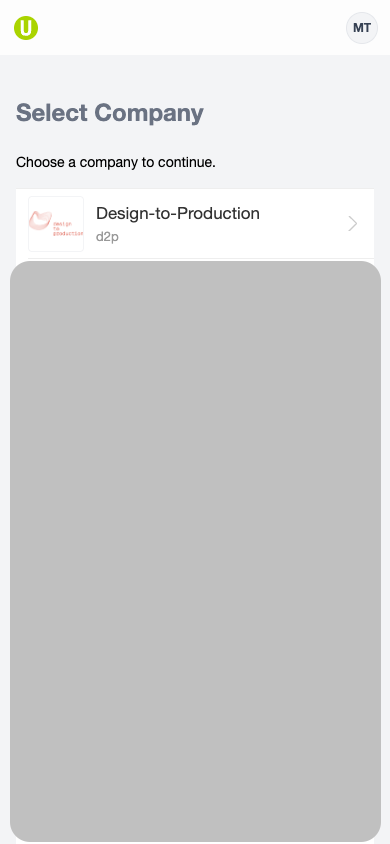
- If you only have access to one company, this screen is skipped automatically
- When offline with no cached data, a "Return to Project" shortcut appears to take you back to the last project you were working on
Project Selection
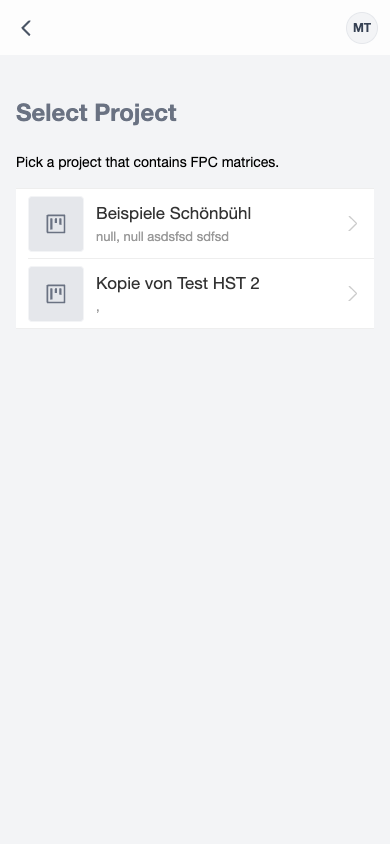
After selecting a company, you see a list of projects that contain fire protection component matrices. Each project shows its name and address.
note
Only projects with at least one component list are shown here. Other project types are not displayed in this app.
Component List Selection
Selecting a project shows the available component lists.
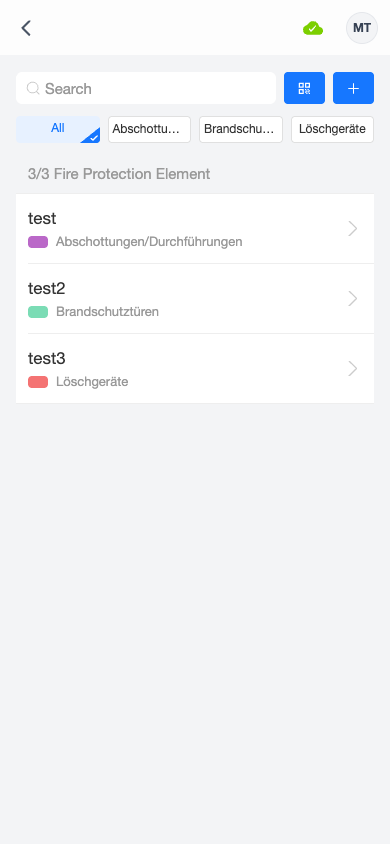
Tap a component list to open it. The app automatically downloads and caches the project data for offline use when you enter a project (see Offline Mode).