Component Properties
The Properties tab lets you view and edit the physical properties of a component.
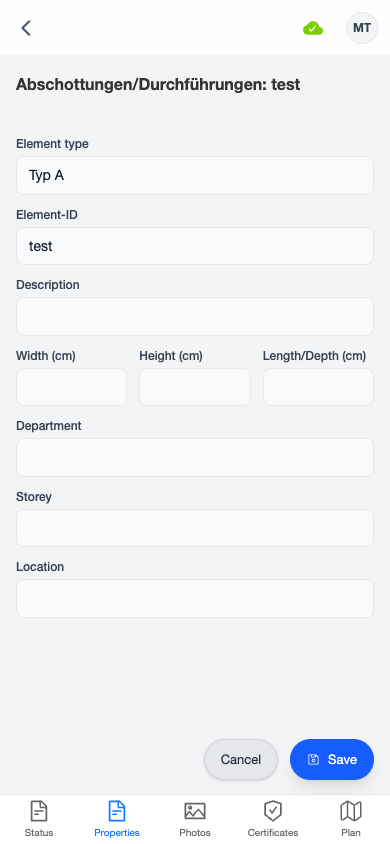
Available Fields
| Field | Description |
|---|---|
| Element Type | The type classification of the component |
| Element Name / ID | A unique identifier or name |
| Description | Additional details about the component |
| Width | Width in centimeters |
| Height | Height in centimeters |
| Length | Length in centimeters |
| Department | The building department or zone |
| Storey | The floor or level |
| Location | Specific location within the building |
Smart Autocomplete
Most text fields feature smart autocomplete: as you type, a dropdown shows matching values that have been used on other components in the same matrix. This helps maintain consistent naming across components and speeds up data entry.
Up to 8 suggestions are shown at a time. Tap a suggestion to fill the field, or continue typing to enter a custom value.
Saving Changes
Changes on the Properties tab are saved together with changes from other tabs when you tap the Save button at the bottom of the screen.