Settings
User Menu
Tap the avatar button (showing your initials) in the top-right corner of any screen to open the user menu.
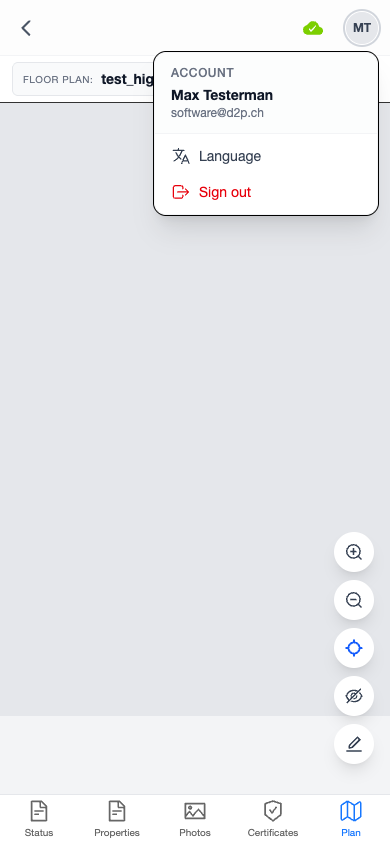
The menu shows:
- Account information — your name and email address
- Language — change the app language
- Sign out — log out of the app
Changing Language
The app supports four languages:
- English
- Deutsch (German)
- Français (French)
- Italiano (Italian)
To change the language:
- Tap the avatar button to open the user menu
- Tap Language
- Select your preferred language from the list
The language change takes effect immediately and is saved to your user profile — it persists across devices and sessions.
Signing Out
To sign out:
- Tap the avatar button
- Tap Sign out
You will be redirected to the login page. Your cached offline data remains on the device until the next login.