Introduction
The Fire Protection Components Mobile App, short for Components Mobile App, is a mobile web application designed for field technicians who perform on-site inspections and maintenance of fire protection components in buildings.
What You Can Do
With the Components Mobile App, you can:
- Browse components across companies, projects, and matrices
- Update maintenance status — mark components as Intact, Defect, or Work in Progress
- Take and manage photos — document component conditions with your phone camera
- View floor plans — locate components on building plans and update their positions
- Scan QR codes — quickly identify and navigate to components using QR labels
- Link certificates — associate compliance certificates with components
- Work offline — inspect components even without internet, and sync changes when you're back online
Supported Devices
The Components Mobile App works on any modern mobile browser.
For the best experience, use the app on a smartphone in portrait orientation.
Getting Access
To use the Components Mobile App, you need:
- A user account with the Components module enabled, ask your administrator to enable it for you
- The app URL provided by your administrator
info
If you see a "Not Authorized" message after logging in, contact your administrator to enable the Components module for your account.
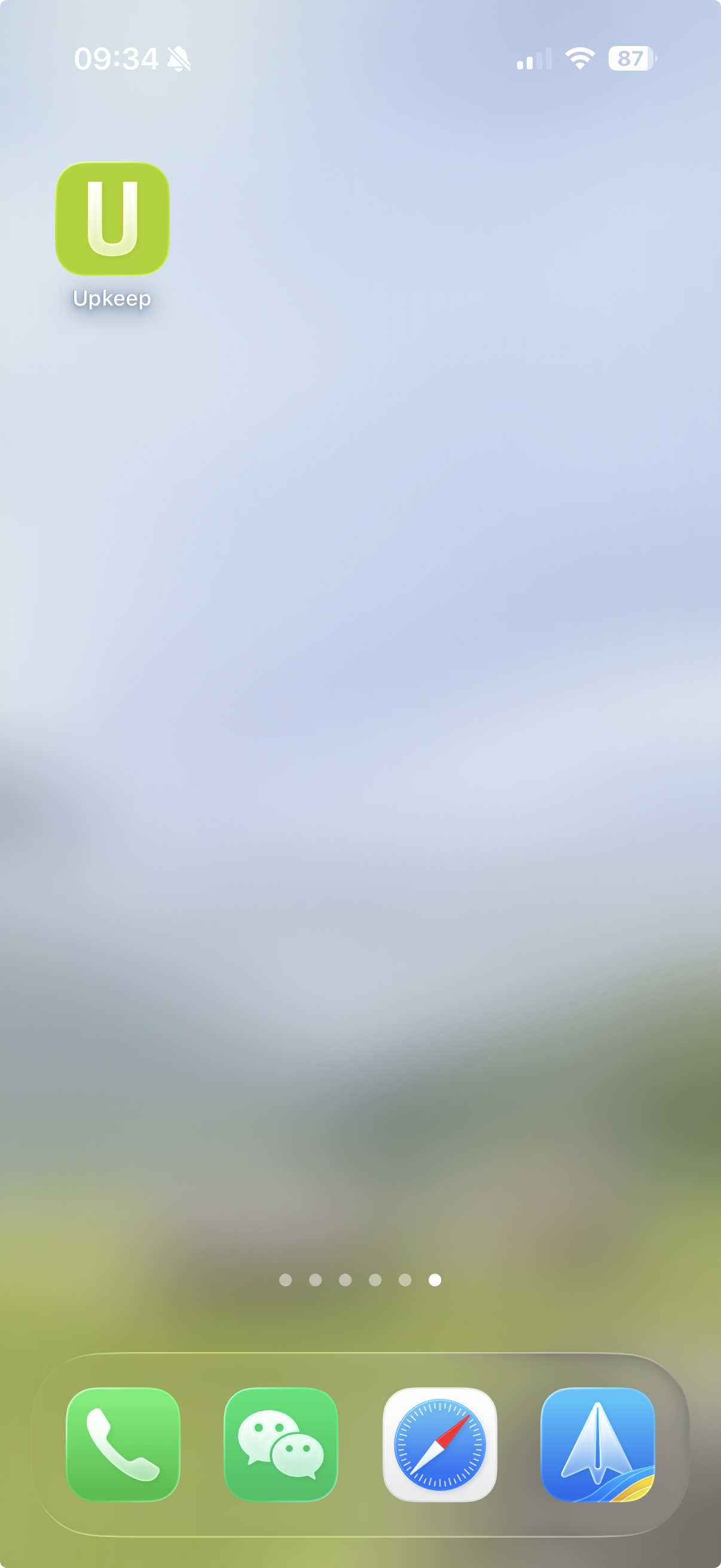
Add the App to Your Home Screen
To add the app to your home screen, tap the share button and select "Add to Home Screen". Then you can open the app from your home screen.
- Open the app in your mobile browser
- Tap the share button
- Tap "Add to Home Screen"